
docker-compose搭建NPS
docker-compose搭建NPS
新建文件夹
/opt/nps在
/opt/nps文件夹下新建docker-compose.yml文件
- 文件内容:
1 | version: "3" |
下载配置文件
- 去
github下载配置文件,
1 | https://github.com/ehang-io/nps |
- 整个
conf文件夹
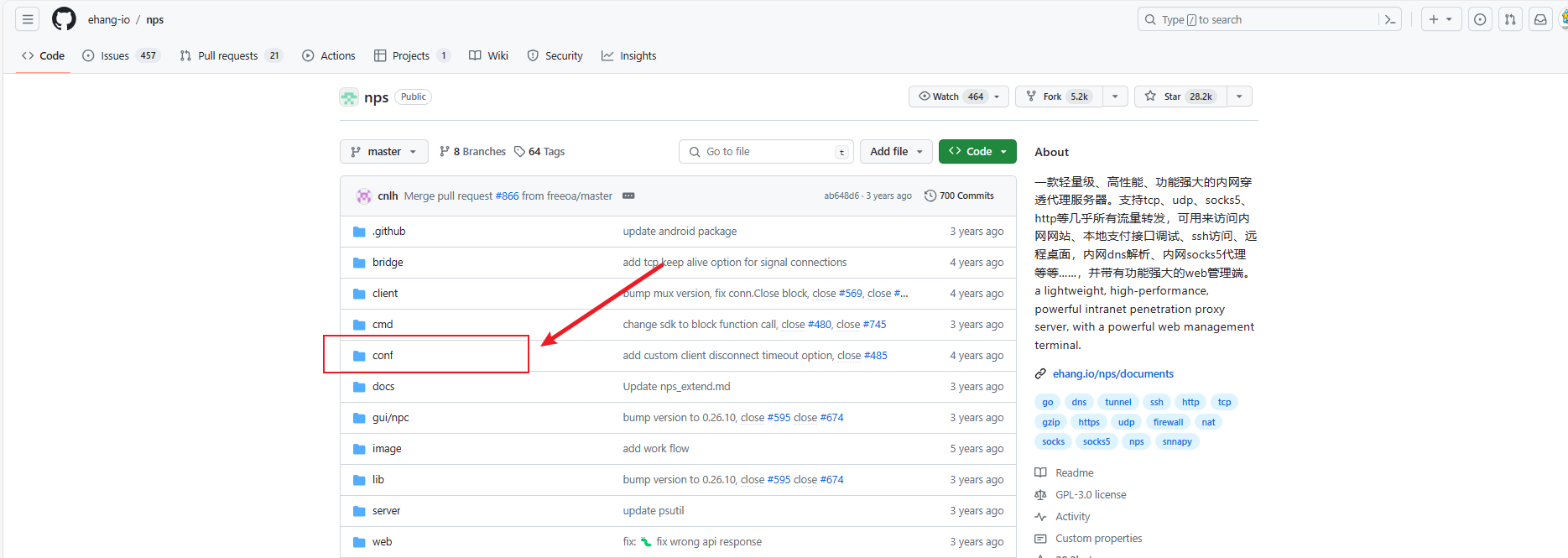
- 下载完这个文件夹包含这些文件

修改配置文件
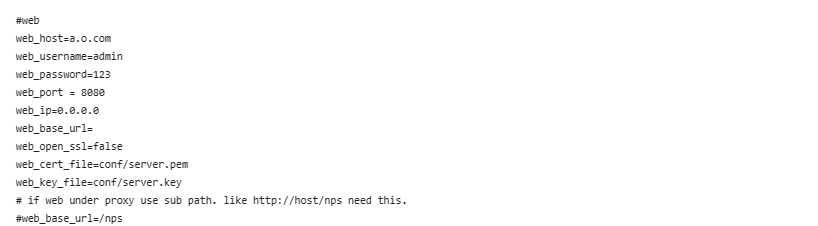
- 修改
nps.conf - 修改账号密码或者端口
nps未授权和默认key修复方法

- 还是
nps.conf配置文件 - 取消掉
auth_key的注释,把后面的值改一下


启动
1 | docker compose up -d |
本博客所有文章除特别声明外,均采用 CC BY-NC-SA 4.0 许可协议。转载请注明来源 Putdownd’s Blog!